Microsoft Office 2024 vs Office 365 (Microsoft 365): Which Should You Buy in 2026?

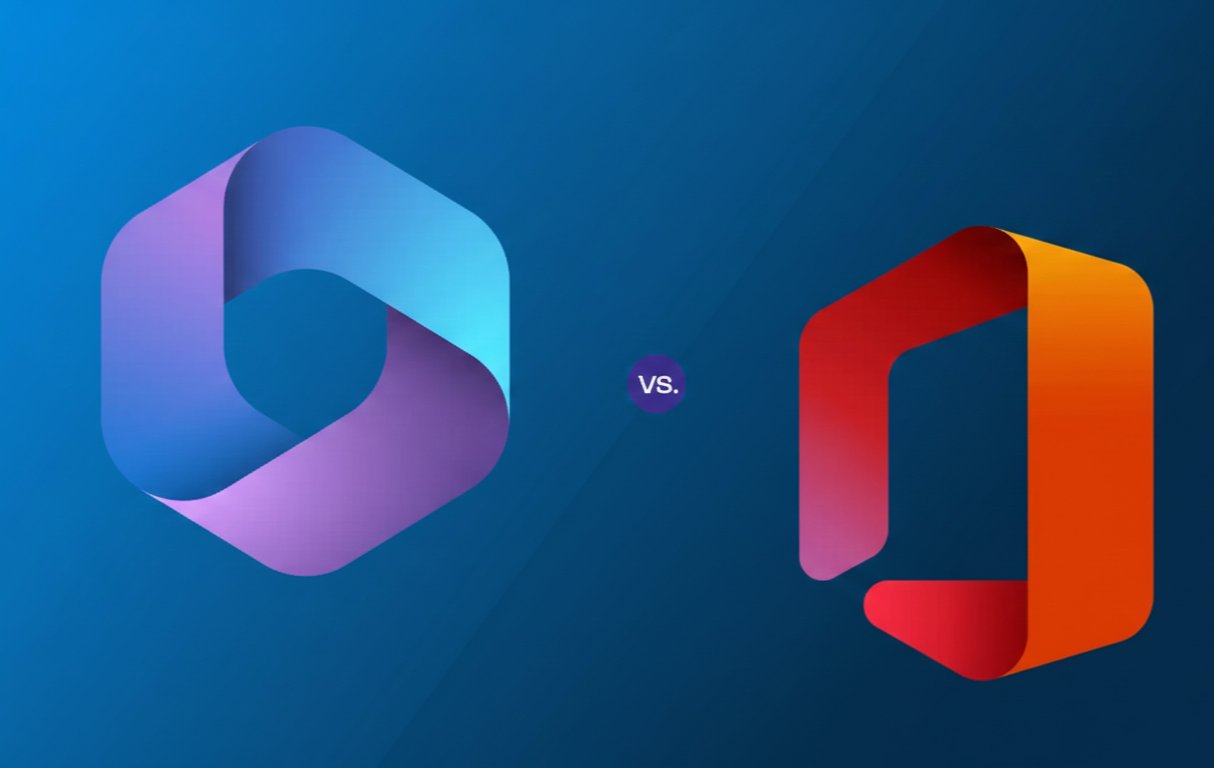
Microsoft Office 2024 vs Office 365 (Microsoft 365): Which Should You Buy in 2026?
Office 2024 vs Microsoft 365 is really a choice between one-time purchase and subscription. This guide compares cost, apps, cloud features, and devices—so you buy the right option without overpaying.
- Clear “best for” recommendations
- Simple break-even cost math
- Step-by-step setup help
Choosing between Office 2024 vs Microsoft 365 in 2026 can feel confusing because both include the core apps (Word, Excel, PowerPoint). The big difference is how you pay and what you get over time. Office 2024 is typically a one-time purchase for one computer, while Microsoft 365 is a subscription that can include multiple devices, cloud storage, and ongoing feature updates.
In this guide, you’ll get a fast decision answer, a practical cost comparison, and real use cases—students, families, freelancers, and small businesses. You’ll also learn how to redeem a product key and install Office the right way, using official Microsoft setup steps.
Quick Answer: Office 2024 vs Microsoft 365 (2026)
Buy Office 2024 if you want…
- A one-time purchase (no monthly/annual billing)
- Office apps for one main computer
- Mostly offline work (documents on your PC)
- A simple “install once and use it” setup
Buy Microsoft 365 if you want…
- Multiple devices (PC + laptop + phone/tablet)
- 1 TB OneDrive cloud storage (plan-dependent)
- Ongoing feature updates (not just security updates)
- Collaboration and cloud-first workflow
What You Actually Get: Apps, Devices, and Updates
Office 2024: one-time purchase, typically for 1 computer
Office 2024 is commonly sold as a one-time purchase. Microsoft explains that one-time purchases are paid up-front and are typically licensed for one computer. Also, there usually isn’t an “upgrade option” to the next major release— meaning a future version would require a new purchase. Official explanation.
Microsoft 365: subscription with cloud + ongoing feature updates
Microsoft 365 is a subscription model. Depending on the plan, it can include desktop apps plus cloud services and benefits. For example, Microsoft’s OneDrive plan pages show that many consumer plans include 1 TB cloud storage (plan-dependent). Microsoft 365 plan features (official) .
| Category | Office 2024 | Microsoft 365 (Office 365) | Who it’s best for |
|---|---|---|---|
| Payment | One-time purchase | Monthly / annual subscription | Buyers who prefer “pay once” vs ongoing billing |
| Devices | Typically 1 computer | Often multiple devices (plan-dependent) | Single-PC users vs multi-device users |
| Updates | Security/quality updates, limited new features | Ongoing features + improvements | “Set-and-forget” vs always-latest workflow |
| Cloud Storage | Not the main value | Often includes 1 TB OneDrive (plan-dependent) | People who share/collab and store files online |
| Best value when… | You keep it 3–5 years on one PC | You use many devices + cloud features | Depends on your use case (see next section) |
Note: features vary by edition and plan. Always check what’s included before buying.
Cost Comparison (2026): Break-Even Math That’s Actually Useful
Here’s the easiest way to decide: compare the total cost over time. A one-time purchase usually wins if you keep it for years on one PC. A subscription often wins if you use Office across multiple devices and want cloud storage.
Break-even example (simple)
- Office 2024: pay once and use it on your primary computer
- Microsoft 365: pay monthly/annually; value increases with more devices and storage needs
Price transparency (your store)
On ActivateSoftKeys, you list a consumer-friendly “Office 2024 Pro Plus Windows – Digital License” product page and related Office products. Use your own pricing as the baseline in your break-even section and update it anytime your offer changes.
Choose Office 2024 and activate with official Microsoft setup.
Feature Differences That Matter (Not the Marketing Fluff)
1) Cloud-first collaboration
If you regularly share documents, co-edit files, or need versions synced across devices, Microsoft 365’s cloud-first workflow is the main advantage. Office 2024 can still work with cloud storage, but Microsoft positions ongoing cloud-backed features as a Microsoft 365 strength. For enterprise/perpetual context, Microsoft notes that LTSC/perpetual releases don’t get the same ongoing feature updates as Microsoft 365 Apps. Microsoft guidance on LTSC vs Microsoft 365 Apps.
2) OneDrive storage & “extras”
Many Microsoft 365 plans include 1 TB OneDrive storage (plan-dependent), which is huge if you back up photos, school work, and business documents. See official plan comparisons .
3) Updates over time
Office 2024 receives security and quality updates, and Microsoft publishes update history for Office 2024. Office 2024 update history (official) . For many buyers, the key question is: do you want a stable “buy once” version—or do you want the newest features as they arrive?
4) AI/Copilot considerations (keep it simple)
AI features vary by Microsoft 365 plan and region. If AI tools are important to you, check the plan details you’re buying. (Avoid buying based on assumptions—this changes often.)
Which One Should You Buy? Use-Case Recommendations (2026)
Students
- Pick Office 2024 if you use one laptop/PC and want the lowest long-term cost.
- Pick Microsoft 365 if you use phone + laptop + tablet and want cloud storage for assignments.
Families
Families often benefit from Microsoft 365 because multi-user and multi-device value can beat a single-license strategy. If everyone shares files and needs storage, subscription features matter more.
Freelancers & remote work
- Choose Office 2024 if your workflow is mostly local files and one main workstation.
- Choose Microsoft 365 if you switch devices, collaborate frequently, or need easy sharing and backups.
Small business
If your business wants predictable monthly costs, cloud storage, and collaborative workflows, Microsoft 365 is usually the easier fit. If you need a stable one-time setup for a dedicated PC, Office 2024 may still make sense.
• One computer + long-term use → Office 2024
• Multiple devices + cloud storage + collaboration → Microsoft 365
Setup & Activation (Step-by-Step)
Redeem a product key (official way)
- Go to setup.office.com and sign in.
- Enter your product key and follow the prompts to associate it with your Microsoft account.
- Download and install Office from the official Microsoft flow.
Microsoft also provides official guidance on where to enter your product key and how redemption works. Where to enter your Office product key.
Install / reinstall Office
If you need to reinstall later, Microsoft has a step-by-step download and install guide for Microsoft 365 and Office 2024. Official install/reinstall instructions.
Office 2024 is a simple “buy once” choice for one main PC.
FAQ: Office 2024 vs Microsoft 365 (Office 365)
What’s the difference between Office 2024 and Microsoft 365?
Office 2024 is generally a one-time purchase for one computer. Microsoft 365 is a subscription that can include multiple devices, cloud storage, and ongoing feature updates (plan-dependent).
Is Office 2024 a one-time purchase?
Yes—Office 2024 is commonly sold as a one-time purchase. Microsoft notes there are usually no upgrade options to the next major release, so future major versions require a new purchase.
Can I use Microsoft 365 on multiple devices?
Many Microsoft 365 plans allow use across multiple devices, but it depends on the plan. Always confirm device limits on the official plan page.
Where do I redeem an Office product key?
Redeem your product key at setup.office.com, sign in with your Microsoft account, then follow the prompts to install.
Where can I buy an Office 2024 key online?
You can buy Office 2024 from trusted sellers. On ActivateSoftKeys, you can get Office 2024 Pro Plus for Windows here: Office 2024 Pro Plus.
Pick “buy once” (Office 2024) or “all devices + cloud” (Microsoft 365)—then set up in minutes.
Disclaimer: ActivateSoftKeys is an independent reseller and is not affiliated with Microsoft. Product names are trademarks of their respective owners. Always review Microsoft’s license terms and plan details before purchase.